Pixel Lab Course – Mobile Graphic Design Training
Skill Zeera Institute presents a pixel lab course designed for beginners, students, freelancers, and small business owners who want to learn mobile graphic design skills.
👉 This pixel lab course helps you create professional designs directly from your mobile phone without needing a laptop or expensive software. It is a complete beginner-friendly training program.
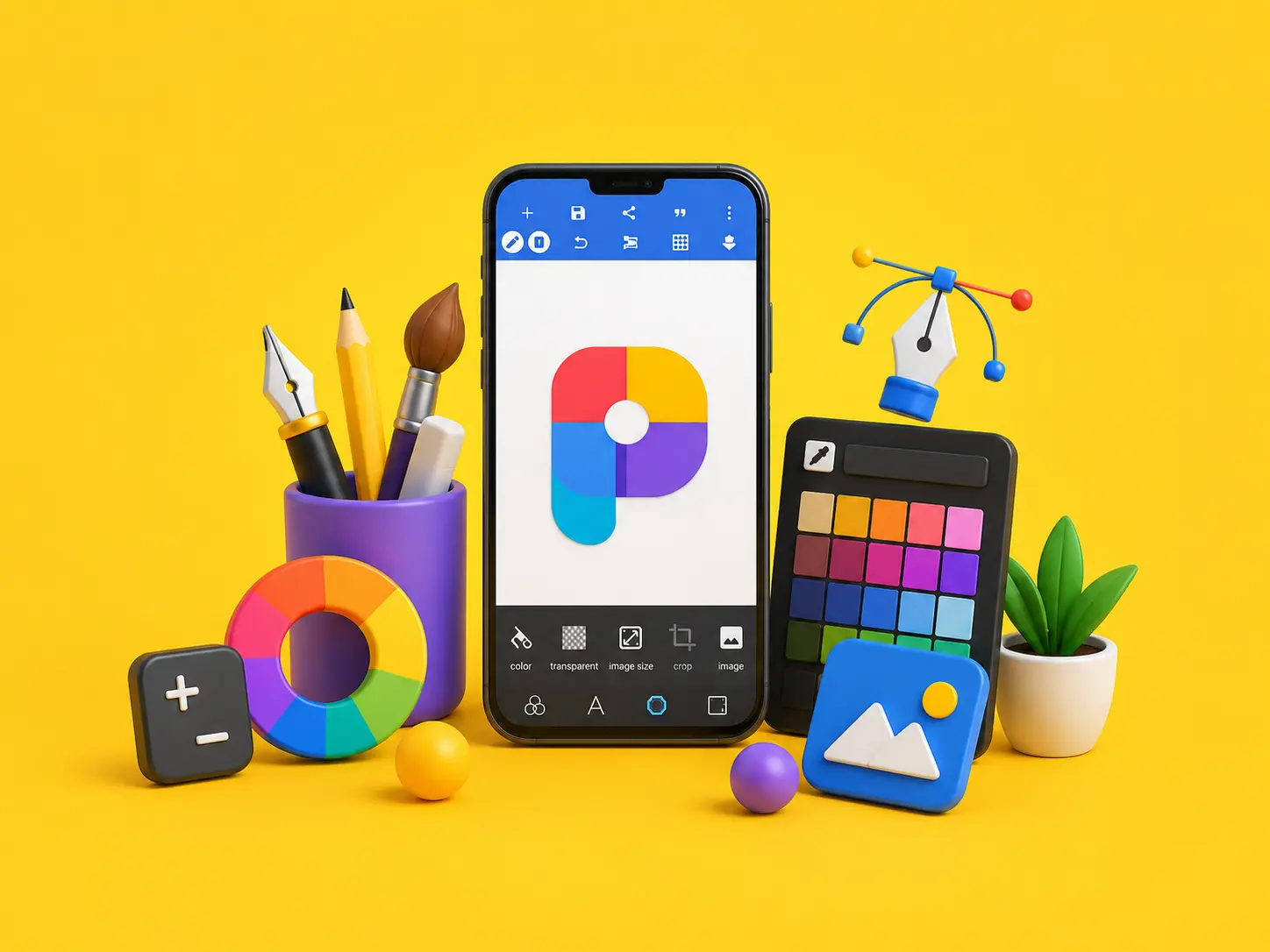
PixelLab is a powerful mobile application used for designing logos, posters, flyers, thumbnails, and social media content. In this course, you will learn how to use PixelLab step-by-step and create professional-level graphics.
📖 What You Will Learn
In this pixel lab course, you will learn:
- Basics of PixelLab interface and tools
- Text styling and typography
- Logo designing techniques
- Poster and flyer creation
- Business card designing
- YouTube thumbnail designing
- Background removal techniques
- Social media post designing
🎯 Who Can Join
✔ Beginners with no design experience
✔ Students and freelancers
✔ Social media content creators
✔ Small business owners
✔ Anyone interested in mobile designing
💡 Course Features
✔ Step-by-step video tutorials
✔ Practical design projects
✔ Easy Urdu explanation
✔ Certificate of completion
✔ Beginner-friendly training
🚀 Career Opportunities
After completing this pixel lab course, you can:
✔ Start freelancing on Fiverr and Upwork
✔ Create social media designs for clients
✔ Work with brands and businesses
✔ Start your own design service
✔ Earn money using mobile skills
🔗 Explore More Courses at Skill Zeera Institute
Visit Skill Zeera Institute to explore more professional skill-based courses designed for freelancing and income generation.
👉 https://skillzeera.org
👉 https://skillzeera.org/courses/
How to Register on Skill Zeera
How to Use the Skill Zeera Website and Learn Effectively
Course Features
- Lectures 15
- Quiz 0
- Duration 10 weeks
- Skill level All levels
- Language urdu
- Students 0
- Certificate Yes
- Assessments Self
- 6 Sections
- 15 Lessons
- 10 Weeks
- 📘 Section 1: Basics & SetupThis section introduces students to the world of graphic designing. It covers the foundational concepts such as what graphic design is, how to set up your design resources (fonts, PNGs, and backgrounds), and a complete walkthrough of PixelLab tools. It's perfect for beginners to get comfortable before diving into actual design work.6
- 1.1Lecture 1 – What is Graphic Designing? | Introduction to Design4 Minutes
- 1.2Homework: Write 5 lines on why you want to learn designing.
- 1.3Lecture 2 – How to Download Fonts, PNGs & Backgrounds for PixelLab7 Minutes
- 1.4Download 5 fonts, 10 PNGs, and 5 backgrounds.
- 1.5Lecture 3 – Complete PixelLab Tools Explained (Beginner Friendly)24 Minutes
- 1.6Homework: Make a simple design using text, shape, and image tools.
- 🎨 Section 2: Branding & Promotional DesignIn this section, students learn how to create designs that represent a brand or promote a message. From designing a logo to creating eye-catching flyers and posters, this section focuses on building strong visual identities — essential for business marketing and public awareness.6
- 2.1Lecture 4 – How to Design a Logo in PixelLab (Step-by-Step Tutorial)22 Minutes
- 2.2Homework: Create the same logo taught in class.
- 2.3Lecture 5 – Flyer Design in PixelLab | Create a Sale Flyer Easily15 Minutes
- 2.4Create the same flyer as shown in lecture.3 Days
- 2.5Lecture 6 – Poster Design in PixelLab | Awareness Poster Tutorial16 Minutes
- 2.6Homework: Make the exact same poster as practiced in class.
- 📱 Section 3: Digital & Social MediaThis section is all about designing for digital platforms. Students will explore how to make engaging social media posts for platforms like Instagram and Facebook, as well as learn how to design professional YouTube thumbnails that attract views and clicks.4
- 💼 Section 4: Business EssentialsHere, students focus on designs used in professional settings. This includes business cards that reflect identity, certificates for recognition, and menu cards used in food businesses. It's a practical section designed for real-world use.6
- 4.1Lecture 9 – Business Card Design in PixelLab | Professional Card Making13 Minutes
- 4.2Homework: Create the same business card as shown.
- 4.3Lecture 10 – Certificate Design in PixelLab | Course/Workshop Certificate15 Minutes
- 4.4Homework: Make the same certificate using taught layout.
- 4.5Lecture 11 – Menu Card Design in PixelLab | Food Menu Design Tutorial11 Minutes
- 4.6Homework: Make the same menu card as shown.
- 5th Section Advance LevelThis final section is about bringing creativity to printed designs. Students learn to design beautiful invitation cards, professional book and magazine covers, and how to present their work in realistic mockups. It helps enhance presentation and final output quality.8
- 5.1Lecture 12 – Invitation Card Design in PixelLab | Birthday/Wedding Card11 Minutes
- 5.2Homework: Recreate the same invitation card shown in class.
- 5.3Lecture 13 – Book Cover Design in PixelLab | Novel/Poetry Book Cover7 Minutes
- 5.4Homework: Create the same book cover design.
- 5.5Lecture 14 – Magazine Cover Design in PixelLab | Fashion/Tech Cover6 Minutes
- 5.6Homework: Design the same magazine cover taught in class.
- 5.7Lecture 15 – Mockup Design in PixelLab | Present Your Work Professionally2 Minutes
- 5.8Homework: Present any of the above designs in the same mockup style as taught.
- 🎨 PIXELLAB COURSE – FINAL TEST1

Requirements
- Android smartphone with PixelLab app installed
- Basic knowledge of using a smartphone
- No prior graphic design experience needed
- Time and motivation to practice regularly
Features
- Step-by-step guidance from basics to advanced tools
- Learn to design logos, posters, flyers, and business cards & much more!
- Mobile-only course — no need for a laptop
- Clear explanations in easy language Urdu
- Creative tips and design tricks
- Certificate of completion
- Practical activities for real design experience
Target audiences
- Beginners who want to start designing using mobile
- Students and freelancers
- Social media content creators
- Small business owners
- Anyone interested in creative mobile designing