
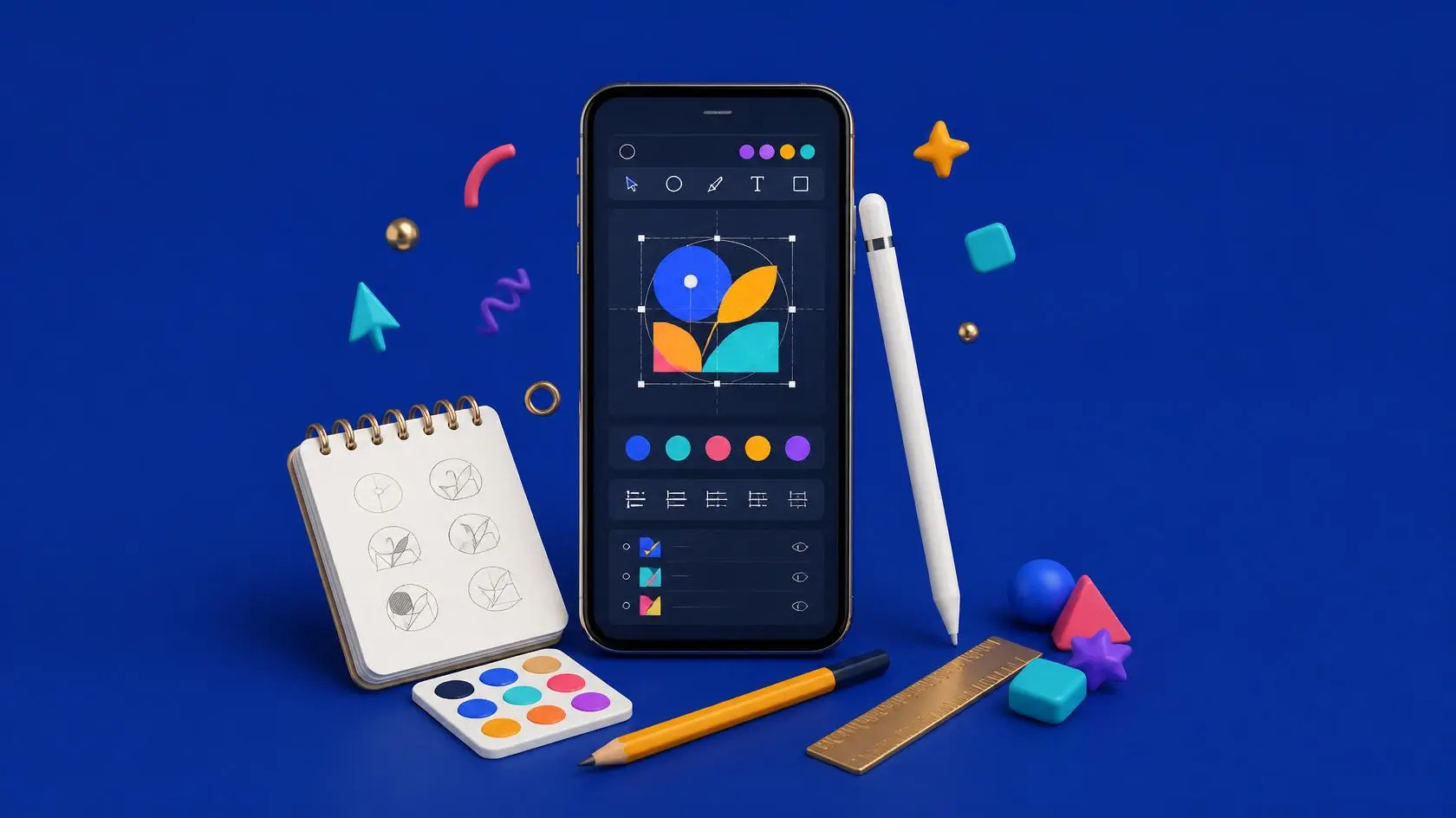
Mobile Logo Design Using Canva – Learn Professional Logo Design on Mobile
Mobile Logo Design Using Canva for Beginners
The Mobile Logo Design Using Canva course is a beginner-friendly creative training program designed to help you learn how to design professional logos using only your mobile phone. This course is perfect for students, freelancers, entrepreneurs, and anyone who wants to learn modern logo design simply and practically.
A logo is the visual identity of any brand. It represents a business, company, or personal brand. With this Mobile Logo Design Using Canva, you will learn how to create modern, attractive, and meaningful logos without needing advanced software or design experience.
This course is fully focused on mobile learning, making it easy for anyone to start designing from anywhere at any time.
Why Learn Mobile Logo Design Using Canva?
This Mobile Logo Design Using Canva course helps beginners understand the core principles of logo design in a practical and easy way. Canva provides a simple drag-and-drop interface that allows anyone to design professional visuals.
According to Canva’s official learning resources, millions of users create branding designs using Canva every day
👉 https://www.canva.com/learn/
This shows how powerful and widely used Canva is in the design industry.
What You Will Learn
Logo Design Fundamentals
Understand how logos are created and what makes them effective.
Canva Mobile Tools
Learn how to use the Canva mobile app for fast and professional design work.
Typography & Colors
Choose the right fonts and color combinations for branding.
Icons & Shapes
Use design elements effectively in logo creation.
Professional Logo Creation
Create real-world logos step by step for different types of businesses.
Who Should Join This Course?
This Mobile Logo Design Using Canva course is ideal for:
- Beginners with no design background
- Students learning creative skills
- Freelancers starting graphic design work
- Entrepreneurs building their brand
- Anyone interested in mobile design
No technical knowledge is required.
Career Opportunities
After completing this course, you can:
- Design logos for clients
- Start freelancing on Fiverr or Upwork
- Build brand identity for businesses
- Create a design portfolio
- Offer mobile graphic design services
👉 https://www.fiverr.com
👉 https://www.upwork.com
Practical Learning Approach
This course is fully practical. You will design real logos step by step using the Canva mobile app. Each lesson is designed to improve your creativity, confidence, and design skills.
Skill Development Outcome
After completing Mobile Logo Design Using Canva, you will be able to:
- Create professional logos
- Understand branding basics
- Work on mobile design projects
- Start earning through design skills
Skill Zeera provides a trusted and professional learning platform.
- Skill Zeera is FBR registered
- Registration is free
- The certificate is free after completion
- Flexible learning timing available
- Students can attend classes at their convenience
- Learn at your own pace
- Discussion support available
- WhatsApp group for help and communication
- Practical and growth-focused learning environment
Explore more courses at Skill Zeera Institute
For more learning opportunities, explore other professional courses offered by Skill Zeera Institute on our official website. You can also visit Adobe Photoshop resources to improve your design skills and understand professional editing tools used in the textile industry.
👉 https://skillzeera.org
👉 https://skillzeera.org/courses/
How to Enroll in this Course
How To Register On Skill Zeera
Course Features
- Lectures 14
- Quiz 0
- Duration 10 weeks
- Skill level All levels
- Language Urdu
- Students 3
- Certificate Yes
- Assessments Self
- 2 Sections
- 14 Lessons
- 10 Weeks
- Section No 19
- 1.1First Lecture of logo designing| What is logo and types of logo42 Minutes
- 1.2Logo Design Principles Module 242 Minutes
- 1.32 module 2nd part34 Minutes
- 1.4How to create canva Account 3 best and useful way to use canva in Mobile4 Minutes
- 1.5Intro of Canva App module 3 1st part10 Minutes
- 1.6Easy way to Customise Canva Logo Template|create logo without watermark13 Minutes
- 1.7Creating Logo using Canva Templates and Without Templates |Logo Tricks40 Minutes
- 1.8manual logo desiging module 3 part 2nd57 Minutes
- 1.9Assignment 1: Logo Design for a Food Restaurant Using Canva6 Days
- Section No 27
- 2.1Word mark lecture Module 419 Minutes
- 2.2creating logo by using type craft22 Minutes
- 2.3Gold Colors logo12 Minutes
- 2.4lecture about variations No 1223 Minutes
- 2.5revison and new design of logo49 Minutes
- 2.6Assignment 2: Logo Recreation for Skill Zeera3 Days
- 2.7How to Download Your Skill Zeera Certificate Professionally | Apply These Settings First







1 Comment
Amazing course ❤️❤️❤️
In this course I learned a lot,each thing was explained very well.
This institute is best for learning ❣️❣️