Canva Web Design Course – Learn Website Mockups & Landing Page Design
Canva Web Design Course for Beginners at Skill Zeera
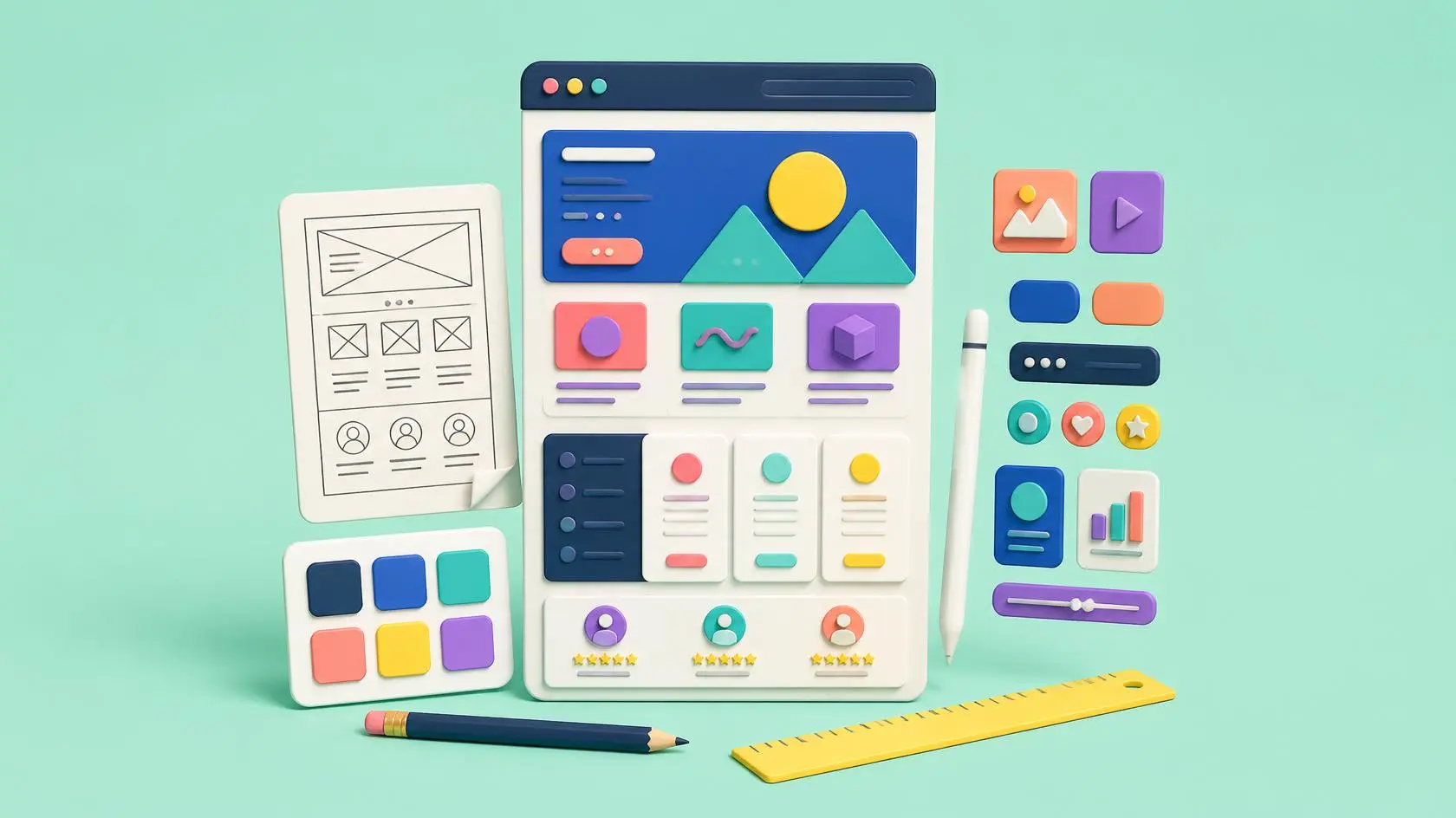
The Canva Web Design Course is a beginner-friendly training program designed to help you learn modern website design concepts using Canva. This Canva Web Design Course focuses on creating website mockups, landing pages, UI layouts, and visual elements that can later be used in real web development platforms like WordPress, Shopify, or other website builders.
This course is perfect for those who want to enter the world of web design without learning coding. Instead of complex programming, you will focus on visual design, structure, and creativity.
What is Canva Web Design Course?
The Canva Web Design Course teaches you how to design professional website layouts using Canva tools. You will learn how websites look, how users interact with them, and how to create visually attractive designs that improve user experience.
According to Canva official resources, Canva is widely used for digital design creation worldwide
👉 https://www.canva.com/learn/
What You Will Learn in Canva Web Design Course
Website Mockup Design
Learn how to create homepage, about page, and service page layouts.
Landing Page Design
Understand how to design high-converting landing pages.
UI/UX Basics
Learn color theory, fonts, spacing, and layout structure.
Button & CTA Design
Create attractive call-to-action elements for websites.
Branding for Websites
Build consistent brand identity for web projects.
Mobile-Friendly Design Concepts
Design layouts that work on mobile screens.
Who Should Join This Canva Web Design Course?
This course is ideal for:
- Beginners with no coding experience
- Graphic designers expanding into web design
- Students learning digital skills
- Freelancers offering design services
- Business owners creating website ideas
No technical coding is required.
Career Opportunities
After completing the Canva Web Design Course, you can:
- Design website mockups for clients
- Work as a UI designer (beginner level)
- Create landing pages for businesses
- Start freelancing on Fiverr or Upwork
- Build portfolio for web design jobs
Explore freelancing platforms:
👉 https://www.fiverr.com
👉 https://www.upwork.com
Practical Learning Approach
This Canva Web Design Course is fully practical. You will design real website pages step by step, including homepage layouts, landing pages, and complete website structures.
Free Certificate of Completion
After completing the Canva Web Design Course, you will receive a free certificate from Skill Zeera to show your design skills and improve your portfolio.
Skill Zeera provides a trusted and professional learning platform.
- Skill Zeera is FBR registered
- Registration is free
- The certificate is free after completion
- Flexible learning timing available
- Students can attend classes at their convenience
- Learn at your own pace
- Discussion support available
- WhatsApp group for help and communication
FAQ SECTION
1. Is coding required for the Canva Web Design Course?
No, this course is fully design-based.
2. Can I design real websites with Canva?
You can create mockups and layouts used in real websites.
3. Is this course good for beginners?
Yes, it is perfect for beginners.
4. Will I get a certificate?
Yes, Skill Zeera provides a free certificate.
5. Can I earn after this course?
Yes, you can start freelancing as a beginner designer.
Start your design journey today with Skill Zeera. Join the Canva Web Design Course and learn how to create professional website mockups, landing pages, and UI designs without coding.
Explore more courses at Skill Zeera Institute
For more learning opportunities, explore other professional courses offered by Skill Zeera Institute on our official website. You can also visit Adobe Photoshop resources to improve your design skills and understand professional editing tools used in the textile industry.
👉 https://skillzeera.org
👉 https://skillzeera.org/courses/
How to Register on Skill Zeera
How to Use the Skill Zeera Website and Learn Effectively
Course Features
- Lectures 8
- Quiz 0
- Duration 10 weeks
- Skill level All levels
- Language Urdu
- Students 5
- Certificate Yes
- Assessments Self
- 2 Sections
- 8 Lessons
- 10 Weeks
- Section No 14
- Section No 25

Requirements
- Internet Access
- Email Address