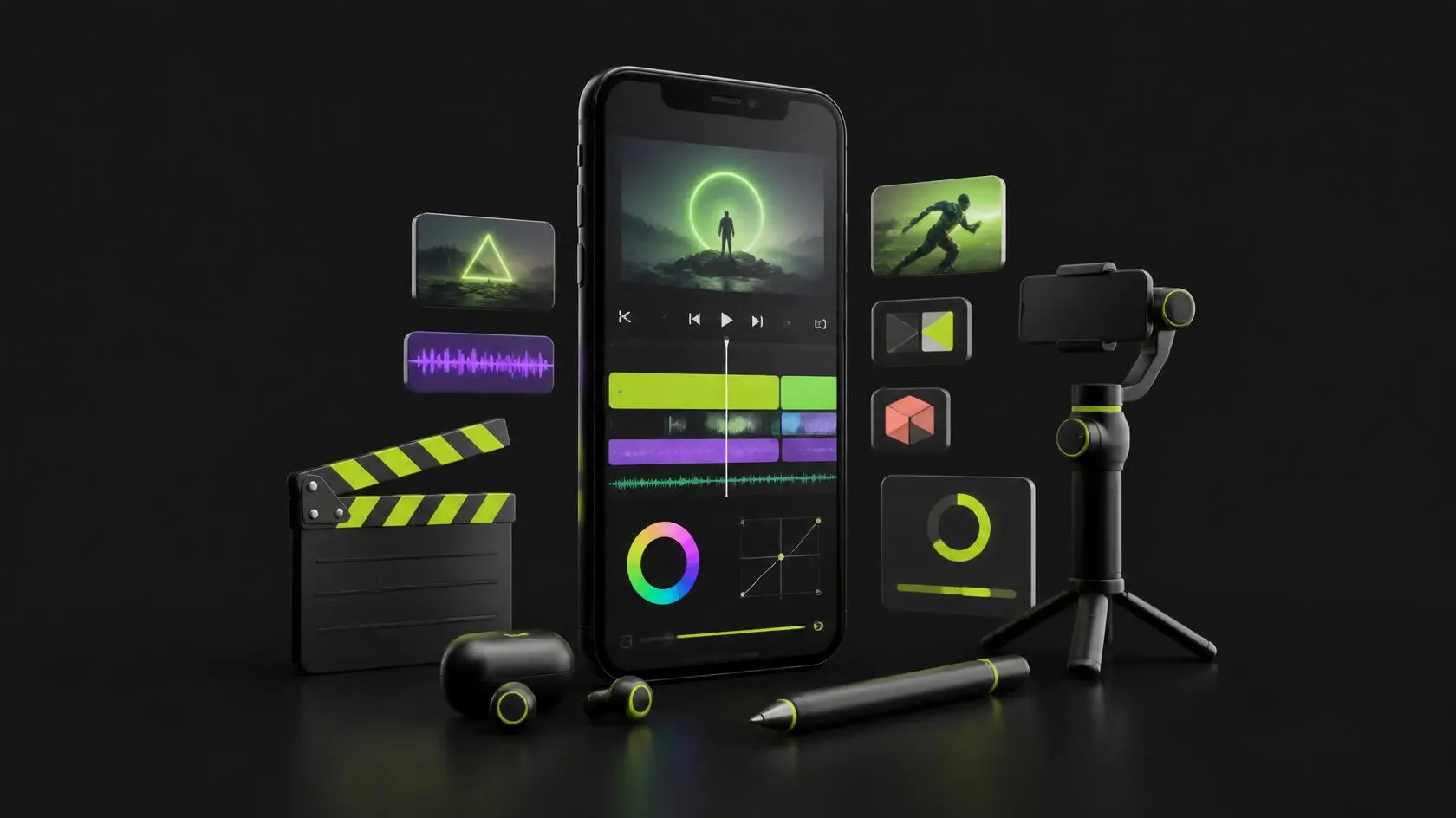
Mobile Video Editing Course – Learn Professional Editing on a Smartphone
Mobile Video Editing Course at Skill Zeera
The Mobile Video Editing Course is a complete beginner-friendly training program designed to help you learn professional video editing using just your smartphone. This course is taught by Hafsa Umer at Skill Zeera and is perfect for aspiring content creators, freelancers, YouTubers, and social media influencers.
With the growing demand for video content on platforms like YouTube, Instagram, and TikTok, video editing has become one of the most valuable digital skills. This Mobile Video Editing Course helps you learn everything step by step—from basic editing to advanced effects.
What You Will Learn
🎬 Basic Video Editing Skills
Learn how to trim, cut, split, and merge videos smoothly.
✨ Transitions & Effects
Add professional transitions, animations, and visual effects to your videos.
🎨 Color Grading & Sound Editing
Enhance video quality with color correction and background music.
📲 Social Media Optimization
Create videos optimized for YouTube, TikTok, and Instagram.
📖 Creative Storytelling
Learn how to create engaging and viral content.
🧠 Advanced Editing Techniques
- Combine multiple pictures
- Apply transition effects
- Add animated text
- Install and use fonts
- Signature adding
- Borderline effects
- Music syncing
- Logo placement
- Islamic video editing styles
- Whiteboard animation basics
- Intro template creation
- Subscribe button animation
- Green screen effects
- Storytelling videos
- Ink reveal effects
Tools You Will Learn
- Kinemaster
- CapCut
- Mobile editing apps
- Basic animation tools
👉 Free Pro Kinemaster account support provided for students
Why Choose This Mobile Video Editing Course?
This Mobile Video Editing Course is designed for real-world skills and income opportunities. You don’t need expensive equipment—just your mobile phone.
According to video marketing studies, video content generates higher engagement than any other content type
👉 https://www.wyzowl.com/video-marketing-statistics/
Career Opportunities
After completing this Mobile Video Editing Course, you can:
- Become a video editor
- Start freelancing on Fiverr or Upwork
- Create YouTube content
- Work as a social media editor
- Build your personal brand
👉 https://www.fiverr.com
👉 https://www.upwork.com
Course Features
- step-by-step video tutorials
- real project practice
- flexible learning timing
- free certificate
- WhatsApp support group
- beginner-friendly teaching
- lifetime skill value
Who Should Join?
This course is perfect for:
- Beginners with no experience
- Students and freelancers
- Content creators
- YouTubers
- Social media users
Instructor & Trust
- Course by Hafsa Umer
- Skill Zeera is an FBR-registered platform
- Free certificate after completion
- Practical training environment
- Student support available
❓ FAQ SECTION
1. Is this course beginner-friendly?
Yes, it is designed for complete beginners.
2. Do I need a laptop?
No, only a smartphone is enough.
3. Will I get a certificate?
Yes, Skill Zeera provides a free certificate.
4. Which apps will I learn?
Kinemaster, CapCut, and mobile editing tools.
5. Can I earn after this course?
Yes, you can start freelancing in video editing.
📢 CTA (CALL TO ACTION)
Start your creative journey today with the Mobile Video Editing Course at Skill Zeera. Learn professional editing skills, create viral content, and start earning from your mobile.
Explore more courses at Skill Zeera Institute
For more learning opportunities, explore other professional courses offered by Skill Zeera Institute on our official website. You can also visit Adobe Photoshop resources to improve your design skills and understand professional editing tools used in the textile industry.
👉 https://skillzeera.org
👉 https://skillzeera.org/courses/
How to Register on Skill Zeera
How to Use the Skill Zeera Website and Learn Effectively
Course Features
- Lectures 18
- Quiz 0
- Duration 10 weeks
- Skill level All levels
- Language Urdu
- Students 21
- Certificate Yes
- Assessments Self
- 4 Sections
- 18 Lessons
- 10 Weeks
- Section 1Basics of Kinemaster8
- 1.1Intro of Kinemaster13 Minutes
- 1.2How to add music and text in video?13 Minutes
- 1.3White board animation video9 Minutes
- 1.4How to install fonts?8 Minutes
- 1.5How to Add fonts in Kinemaster?7 Minutes
- 1.6How to download videos from social media without any app?7 Minutes
- 1.7Islamic video creation in Kinemaster.13 Minutes
- 1.8Assignment no.013 Days
- Section 2Second step in video editing course6
- Section 3Professional Step in Video Editing Course6
- Final TestHere's the final assignment of course. According to your marks in final assignment your certificate will be provided.2

Requirements
- Basic knowledge of smartphone operations
- No prior video editing experience required
- A smart phone capable of running video editing apps
- Storage capacity for downloading apps
Features
- 10+ hours of video lessons
- Downloadable resources and templates
- Expert feedback and community support
- Comprehensive Learning
- Certificate of completion upon finishing the course
Target audiences
- Social media influencers
- Content creators
- Filmmakers
- Small business owners
- Anyone wants to learn video editing